I Bought Two Old Apple Xserves — And Found Their Previous Lives Inside
I definitely did not need these
In September 2026, I bought two Apple Xserves.
One is an Early 2008 Xserve2,1, the other a 2009 Xserve3,1 — the final generation Apple ever made!!! Did my homelab need two rack-mounted Intel Macs from almost twenty years ago? Absolutely not, what did you think haha.
But I have always had a soft spot for unusual hardware, and old Apple server equipment is a particularly fun combination of things I like: Apple history, proper rack hardware, networking, storage and a platform I had never really worked with before.
So when the opportunity came up to buy both of them, curiosity won.
Very quickly, however, the project became much more interesting than simply booting them and looking around.
Both machines still contained pieces of their previous lives.
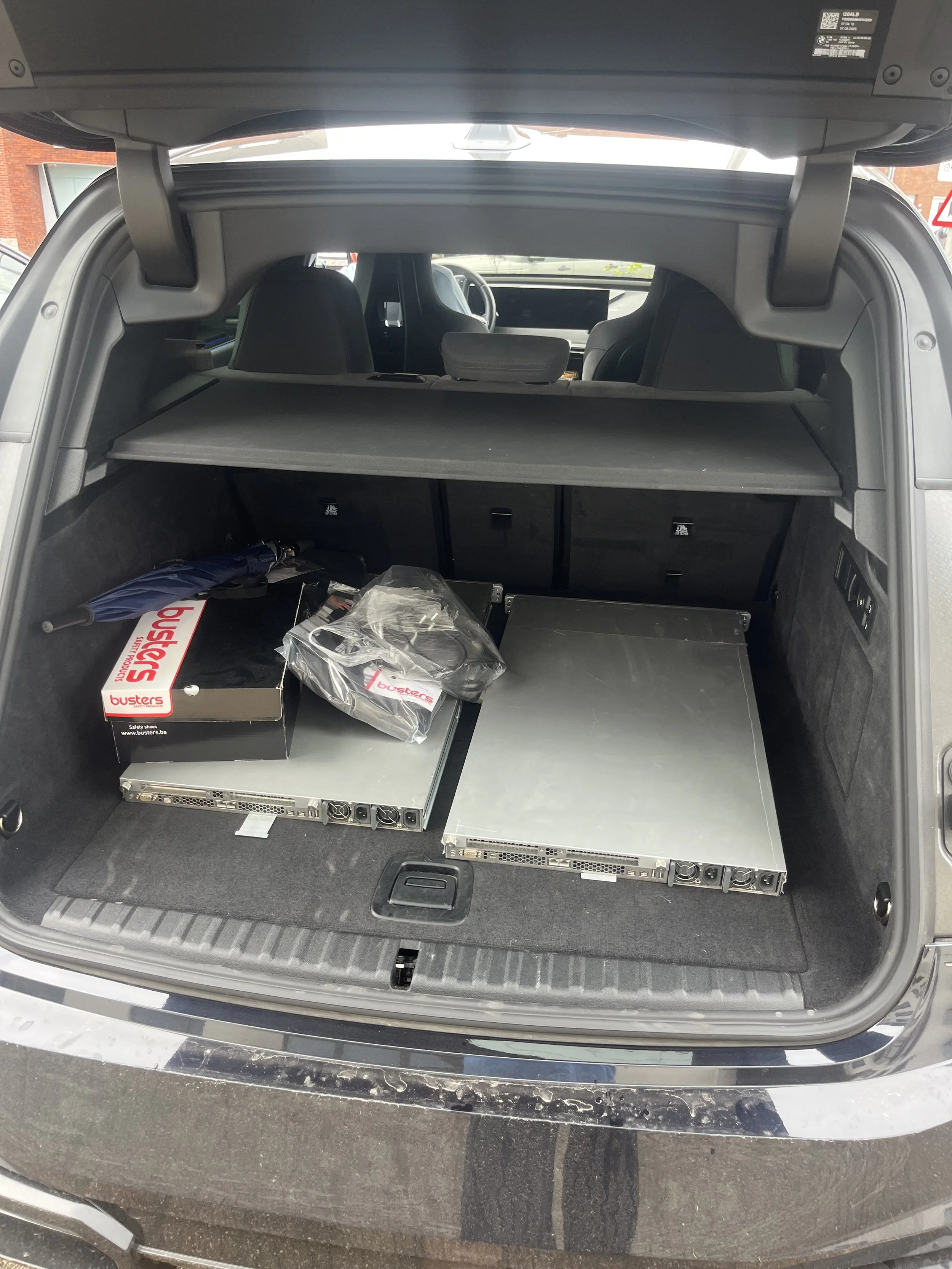
Picking up the servers at the seller’s appartment
I knew servers were heavy, but I underestimated their weight like crazy.
The 2008 Xserve
The 2008 machine has two quad-core 3.0 GHz Xeons, 4 GB of ECC memory and runs Mac OS X 10.6.8 Snow Leopard.
It boots from a 500 GB SSD and, much more interestingly, contains three 2 TB SAS drives — 6 TB of raw storage in total!
At first I wanted to preserve the working Snow Leopard installation rather than immediately wiping everything and reinstalling it.
That meant I had to figure out exactly what I had inherited.
And that is where things became fun.
There was an old administrator account, an orphaned user directory, old SSH keys and an authorized_keys file from the previous owner.
Even more interestingly, the root crontab contained this old startup behaviour:
@reboot bash /Users/gwendebrul/Downloads/print-ip.shSo every time the machine booted, root was still trying to run a script from a previous user's Downloads folder.
Nothing malicious was actively happening, but it was a great reminder that owning the physical machine does not automatically mean you own its software state.
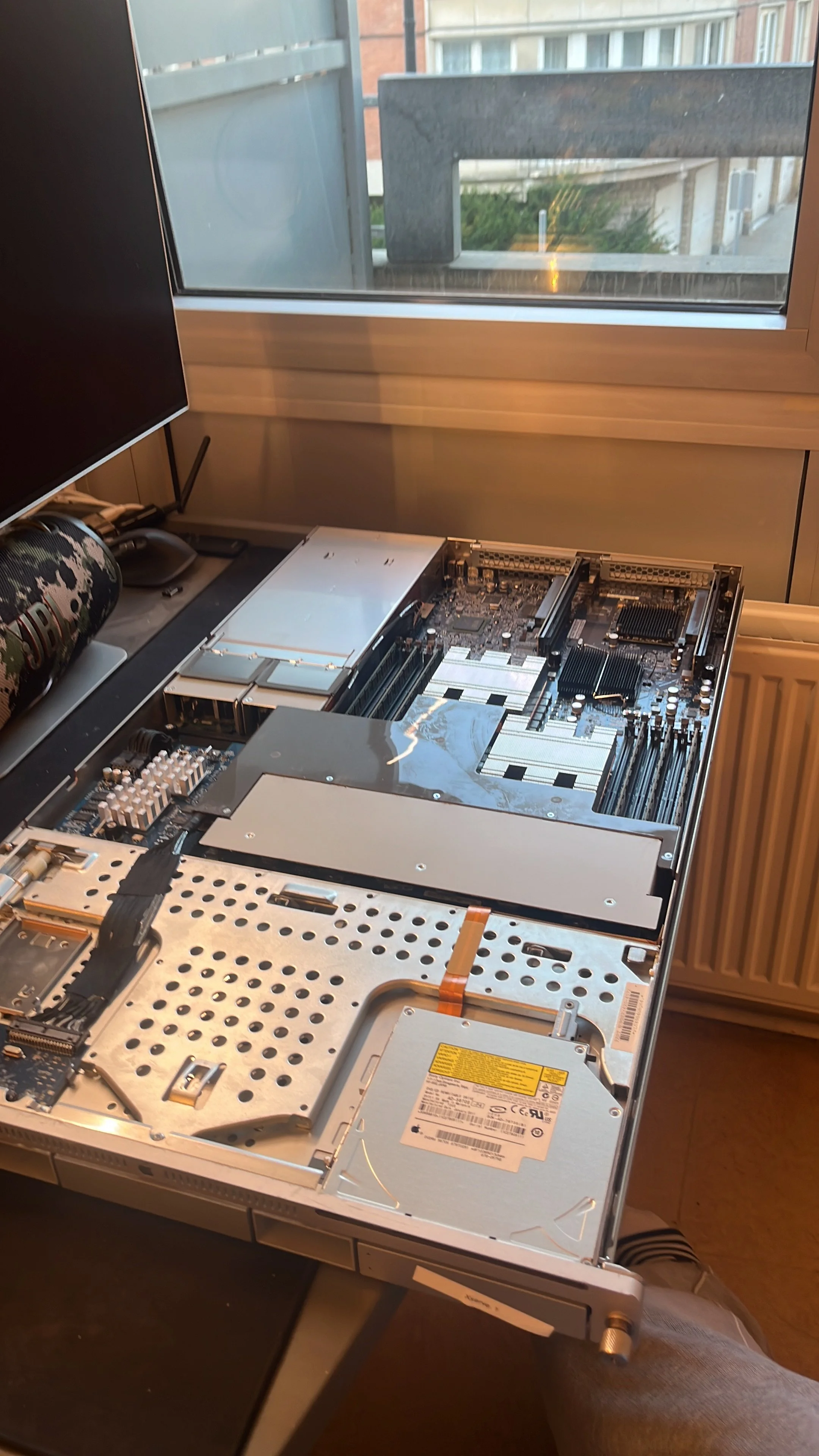
Taking ownership properly
Instead of trusting what I could see in Finder, I started treating both machines like systems that had to be properly taken over.
I created my own administrator account, removed the old users and SSH material, cleaned up old startup jobs and hardened SSH.
Because Snow Leopard uses an ancient OpenSSH version, even connecting from a modern Mac required some work. I created dedicated RSA keys and limited the legacy compatibility settings on my MacBook specifically to each Xserve instead of weakening SSH globally.
Password authentication and root login were then disabled.
The 2008 also still contained an old MacPorts installation with alternative server software and networking tools, which I eventually removed completely.
But macOS was not the only thing I had to think about.
There is another computer inside the server
Xserves have Lights-Out Management, or LOM.
It is an out-of-band management controller that exists separately from macOS. That means wiping user accounts inside the operating system is not necessarily enough to fully take ownership of the machine.
When I installed Apple's old Server Monitor tools and inspected the 2008's LOM configuration, I found an old management username and network configuration still stored there. So I factory-reset the LOM as well.
Only after that did I really consider the machine mine.
Then I opened the 2009 Xserve
The 2009 machine turned out to have a much more colourful history.
It originally called itself:
XLnt Playout BACKUPThat name turned out to be extremely appropriate.
The system was full of software from what looked like an old professional broadcast or playout environment.
There was TeamViewer configured for remote access.
There were multiple generations of Retrospect backup software, including a root-level engine listening on the network.
There was old Blackmagic Design software, Final Cut Pro profiles, RME Fireface audio components and drivers.
There were even old SHOUTcast components sitting inside the previous user's home directory.
I had essentially bought a piece of somebody else's old production infrastructure.
And instead of immediately wiping it, I got to slowly reconstruct what the machine had probably been used for while removing everything I did not want to inherit.
That was much more interesting.
What I kept
The goal was never to modernise these machines into something they are not.
Both still run Mac OS X 10.6.8 Snow Leopard.
The old accounts, remote-access tools, credentials and production software are gone, but the working legacy Apple environment remains.
The 2009 is now mostly an on-demand legacy Apple lab machine. It is useful for experimenting with old Apple server tools, Snow Leopard, Remote Desktop, LOM and other technologies from that era.
The 2008 has a potentially more practical future.
Its three 2 TB SAS disks make it interesting as a backup and archive machine. I do not trust almost twenty-year-old drives as the only copy of anything important, but as an additional storage tier they are perfectly useful.
I especially like the idea of eventually turning it into a scheduled backup appliance: power it on for a backup window, sync data to it and then shut it down again.
Why I like projects like this
Neither Xserve is fast by modern standards to be clear.
They use much more power than a Raspberry Pi, make substantially more noise and are objectively terrible choices if all I wanted was cheap compute.
That is also completely beside the point.
I bought them because I thought they were cool.
And somehow that turned into learning about legacy SSH, old macOS administration, out-of-band management, SAS storage, RAID controllers, launchd, old production software and how to properly take ownership of a machine that has spent almost twenty years doing things for somebody else.
That is exactly the kind of project I enjoy.
You start with:
“Wouldn't it be cool to own an Xserve?”
and a few days later you are factory-resetting an ancient Apple Lights-Out Management controller because you discovered the previous owner's credentials are still inside it.
I now have two completely unnecessary old Apple servers.
I am very happy about this. :)